

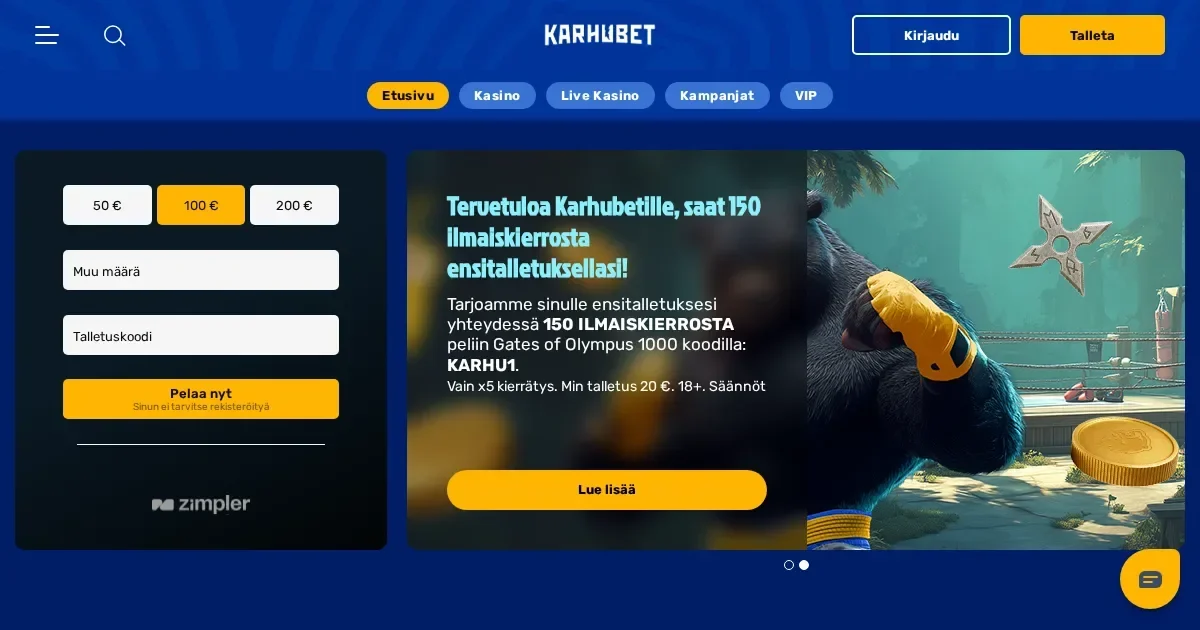
Your Karhubet account lives at the operator's site, and only the operator can restore, verify or unblock it. This page explains how signing in works, what to do when it fails, and where to get help.
Signing in to your Karhubet account
The sign-in route is straightforward once you have registered. Follow these steps:
- Open the Karhubet site in your browser.
- Locate and click the operator's sign-in button.
- Enter the email address and password you chose at registration.
- Submit to access your account.
If you do not yet have an account, registration happens at the operator's site too.
Signing in from your phone
Karhubet runs in a mobile browser, and the same account credentials work on desktop and phone. Open the operator's site, tap the sign-in button, and enter your email and password. Your session, balance and gameplay continue across devices without re-registering.
What to do when signing in fails
Sign-in failures usually have a small handful of causes, and each has a fix:
- Wrong email or password — check for typos, spaces at the start or end, and caps lock. Passwords are case-sensitive.
- Unverified account — some operators ask for identity documents before the first withdrawal or above a threshold. Karhubet requires verification for players with cumulative deposits totalling €2,000 or more. Submit the requested documents to the operator's support team.
- Browser session issue — clear cookies and cache for the operator's domain, or try a private browsing window.
- Self-exclusion in force — if you set a cool-off period (24 hours to 3 months) or self-exclusion (6 months to 5 years), the account remains locked until the period expires. Accounts self-excluded indefinitely require a 7-day cool-off period from the day you request reopening.
- Multiple accounts detected — holding more than one account from the same household, device or IP address is prohibited and may result in restricted access.
Forgotten password recovery
If you have forgotten your password, use the operator's reset route. Look for a "Forgot password" or similar link on the sign-in screen, enter the email address you registered with, and the operator will send a reset link to that address. Follow the link and choose a new password.
If the email you used at registration is no longer reachable, contact Karhubet support at [email protected] with proof of identity and your account details. The operator can update your registered email once your identity is confirmed.
Why an account gets blocked or restricted
Access restrictions happen for specific reasons, and understanding them saves time:
| Cause | What happens |
|---|---|
| Verification pending | Withdrawals may be held until identity documents are submitted and approved. Karhubet requests copies of proof of identity, utility bills, payment methods and bank statements at the €2,000 cumulative deposit threshold. |
| Inactivity | An account is deemed inactive after 12 consecutive months without a successful deposit or wager. A €5 monthly fee applies 30 days after notification, deducted until the balance reaches zero or the account is reactivated. |
| Self-exclusion | Accounts closed for 6 months to 5 years cannot be reopened until the period expires. Indefinite self-exclusion requires a 7-day cool-off from the reopening request. |
| Terms breach | VPN use, location-masking software, or betting patterns deemed inconsistent with recreational play may result in restricted access, voided bonuses and withheld winnings. |
Who to contact when you need help
For account problems, password issues or access questions, contact Karhubet support at [email protected]. VIP players can also choose to be reached via chat, call or instant message.
Before writing in, have these details ready so the first reply can be useful:
- The email address on your account
- When the problem started and what you were trying to do
- The exact message shown on screen, if any
Keeping your access safe
Sign in only on Karhubet's own address, typed into the browser or reached through a bookmark you saved yourself. Never follow a link in an email or message claiming to be from the operator – phishing attempts often look genuine.
Use a password you have not used anywhere else, and sign out when you finish on a shared device. If Karhubet offers two-factor authentication, enable it for an extra layer of protection.
Karhubet is for players aged 18 and over (18+). If gambling ever stops feeling like entertainment, free and confidential support is available at BeGambleAware.org, or call the National Gambling Helpline on 0808 8020 133 (free, 24/7). Self-exclusion tools are available through GamStop, and blocking software such as Gamban and BetBlocker works across devices.
This site is for players aged 18 and over (18+). Support with gambling is free and confidential at BeGambleAware.org.